
Assistive Technology for Dyslexia: Why Buying the Tech Isn't Enough
Specialist teacher assessor Véronique Morris-Aloni, who has worked in UK schools for over 25 years, says the biggest mistake schools make is assuming that buying licences or devices is the same as implementing them. Real impact comes from staff training, a designated assistive technology lead, and treating tools like reading pens and text-to-speech software as normal for everyone - not just students with a diagnosis.
Key takeaways
- Buying tools isn't the same as embedding them. Without training and consistent use in lessons, expensive licences sit unused.
- Staff buy-in comes from showing teachers what's in it for them - less time spent reading aloud, fewer interruptions, more independent students.
- Built-in accessibility tools (Microsoft, Google, Apple) are a strong foundation, but specialist tools still add real value for learners with more complex needs.
- Assistive technology recommendations often stall after the report is written - implementation needs a named owner, not just good intentions.
- Involving the learner in choosing their own tools matters - technology only gets used consistently if the student understands and values it.
- Every school benefits from a designated assistive technology lead and a simple, universal offer that doesn't stigmatise who uses what.
Meet the expert: Véronique Morris-Aloni
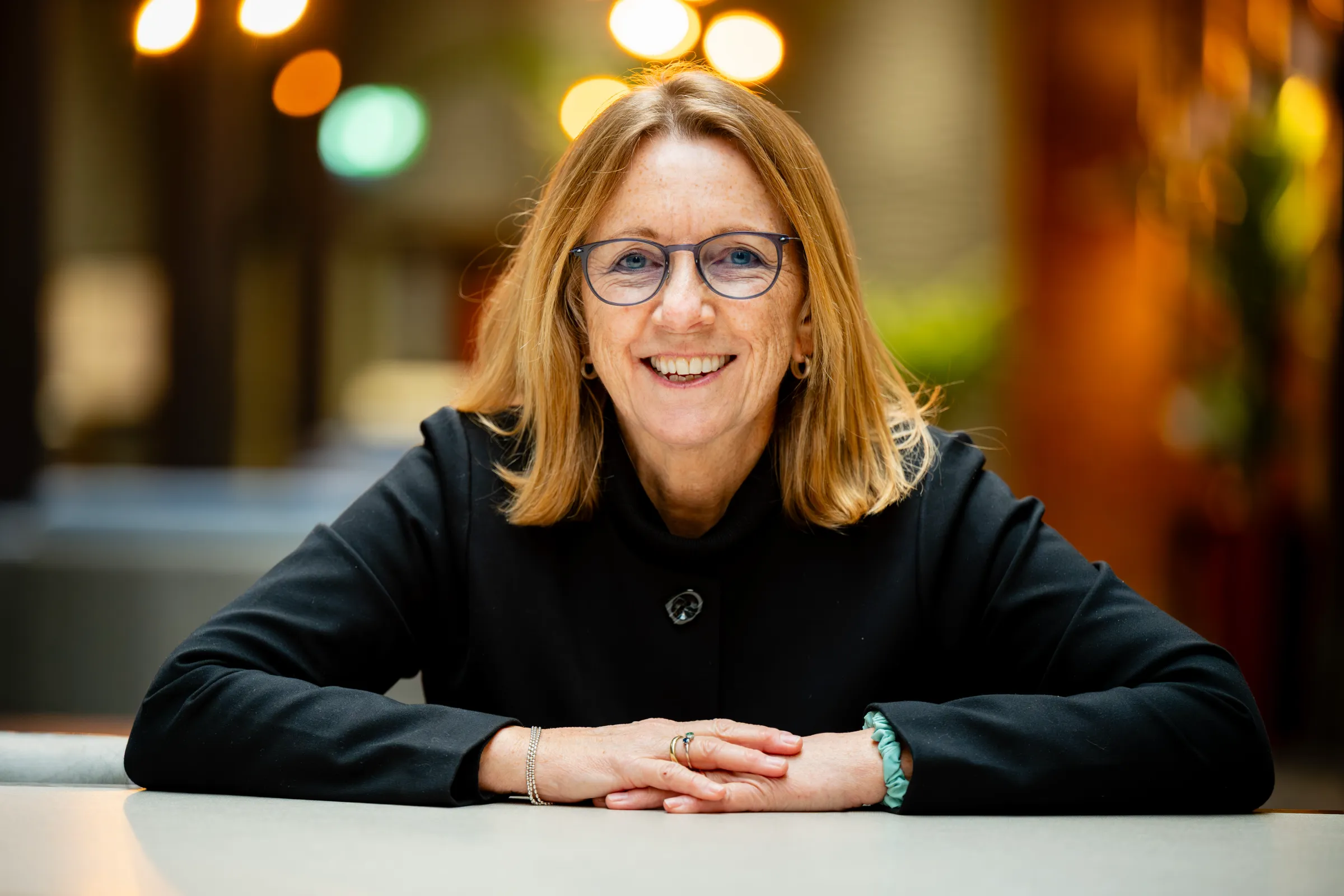
AT Superstore sat down with Véronique Morris-Aloni, founder of Dyslexia in Focus and a specialist teacher assessor with over 25 years of classroom and assessment experience, to talk honestly about what works, what doesn't, and what SENCOs and school leaders still get wrong when it comes to assistive technology.
Her answers below are grounded in decades of watching definitions, tools, and classroom practice change - and in the practical reality of what happens after an assessment report lands on a desk.
Q1: How has your understanding of dyslexia and assistive technology changed over 25 years?
“The shift in definition has moved us from asking 'does this child qualify for support?' to 'what does this learner need to succeed?'
Véronique has watched the definition of dyslexia evolve over her career.
In the early 2000s, dyslexia was defined by a gap between IQ and reading ability - a model that missed many learners and focused on what they couldn't do. Assistive technology at the time was niche and expensive: think Read&Write on a USB stick costing around £500, Dragon Naturally Speaking, and CD-ROM software like WordShark and NumberShark.
"I remember using the AlphaSmart 3000," Véronique says - a portable word processor students typed into before printing their work out. It helped with writing difficulties, but it made students stand out rather than blend in.
The 2009 Rose Review shifted the definition towards difficulty in phonological processing and accurate word reading and spelling, bringing multi-sensory teaching and classroom scaffolding into focus. Laptops started appearing in classrooms - but mostly for teachers, not students.
Today's definition (the Delphi definition) frames dyslexia as a set of processing difficulties that affect the acquisition of reading and spelling. Phonological processing is the most commonly observed cognitive impairment but working memory, processing speed, and orthographic skills can contribute to its impact. Also, the interaction between a learner and their environment affects their profile. That shift has driven a much stronger focus on inclusive, everyday classroom technology - such as text-to-speech, speech-to-text, and planning tools - rather than just withdrawal-based support.
Q2: What are the most common assistive technology rollout mistakes schools make?
The single biggest mistake, according to Véronique, is assuming that purchasing tools equals implementing them.
Schools often invest in licences or devices without building the teaching strategies around them. Common issues include:
- No structured training for staff or students, often due to time pressure No expectation that tools are used consistently in lessons - assistive technology isn't written into lesson planning. Also the stigma of their use by only certain students is real.
- Treating assistive technology as a "SEND add-on" rather than universal classroom practice available to everyone in 21st century education
Veronique's rule of thumb: "If it's okay to use a calculator to support solving maths problems, it should be okay to use a reading pen to support reading and comprehension." Neither is it cheating - both tools help a student work independently and build the skills they'll need for life beyond school.
Her advice is to start small and build gradually, embedding tools slowly rather than launching everything at once. The goal is to make assistive technology as normal as a calculator or a laptop.
Q3: How do you get sceptical classroom teachers on board?
Scepticism, Véronique explains, usually comes from workload pressure and memories of past initiatives that didn't stick - not from teachers being uninterested or unwilling to help.
"If teachers feel things are being done to them, and not with them, we can expect resistance."
Her approach:
- Make it immediately practical. Show teachers how a tool saves them time and reduces students' dependence on them - not just how it helps the student.
- Involve teachers in the process, rather than mandating change from above. People are more motivated when a change feels like it's on their own terms.
- Recruit "assistive technology champions" - one willing teacher per faculty who meets regularly with the SENCo or designated assistive technology lead to plan rollout, then takes new tools back to their own department as a "missionary."
- Use peer-to-peer mentoring. Seeing a friend use a reading pen normalises it far faster than a top-down announcement.
- Track what worked in a student's previous school, especially at transition points like primary to secondary. If a tool was already working, don't take that "crutch" away - build on it.
Q4: Which assistive technologies make the biggest difference?
The tools with the biggest impact, Véronique says, are the ones that reduce cognitive load, support working memory, and build independence - which in turn reduces anxiety and helps students feel included.
Her standout examples:
- Reading pens, for reading individual words or short phrases in class and exams.
- Text-to-speech tools like Microsoft's Immersive Reader as an easy, built-in starting point, moving on to exam-accessible software like Read&Write once students understand the concept. It is free to use.
- Mind-mapping and visual organisation tools, which speed up planning and help students get through tasks faster.
What makes these tools successful isn't sophistication - it's simplicity, reliability, and how easily they fit into everyday tasks.
"If a tool takes more effort than the problem it solves, it won't be used," Véronique says.
Q5: With built-in accessibility tools in Microsoft, Google, and Apple, is there still a case for specialist tools?
Yes - but it isn't either/or, Véronique explains.
Built-in accessibility features have dramatically raised the baseline of support and work well for many learners. But some students have more complex needs - severe literacy difficulties or significant working memory challenges - where specialist tools offer a precision that built-in options don't.
Her approach is to use built-in tools as the foundation, then layer specialist software on top where it genuinely adds value - for example, dedicated note-taking and planning software offers a level of structured, visual support for organising ideas that general-purpose tools from the big tech providers simply don't replicate, particularly for younger students.
Q6: When you recommend assistive technology in a diagnostic dyslexia report, how confident are you that it actually gets used?
"It varies widely," Véronique admits. "The biggest barrier isn't the quality of the recommendation - it's the system around it."
She now follows up a few weeks after sharing a report to check whether recommendations have actually been implemented. Some practical constraints she sees repeatedly include:
- Time and money are the two biggest limiting factors in schools acting on recommendations.
- As a specialist teacher assessor, she can only make generic recommendations (e.g. "a reading pen would help") - she can't name specific brands or products, which can make it harder for schools to act quickly.
- Implementation breaks down when there's no clear ownership. Providing assistive technology isn't always formally the SENCo's job, and staff aren't always trained to use what's already available.
Government-backed technology lending libraries - which let schools borrow and trial tools like reading pens and dictation software from their local authority - are a valuable resource. But as of late 2025, only around 4,000 schools had accessed this support network.
Recommendations work best, Véronique says, when they're practical, prioritised, and backed by training and accountability - not just words on a page.
Q7: How do you involve the child themselves in choosing their assistive technology?
"If they don't understand or value it, they won't use it consistently," Véronique says - which is why involving the learner directly is essential.
Her process:
- Introduce students to their options and explain what's available, often inviting them to bring a friend to the first session.
- Let them trial tools, both in school and at home with parents, and ask what feels helpful versus frustrating.
- Respect individual preference. Reading pens are designed for individual words or short phrases, but some students prefer using them for whole paragraphs - and that's fine if it works for them.
Véronique returns to her calculator analogy here too: using a reading pen or computer reader isn't cheating, any more than using a calculator is. "Not everybody's good at mental maths, so they use a calculator - it's not that they don't know how to do it, it's quicker and reduces cognitive load - it’s also less prone to error! ." The same logic applies to reading tools.
The goal throughout is building independence, not dependence on a system or adult prompting**.**
Q8: What are schools and employers still getting wrong about supporting dyslexic people?
"Good support is proactive, not reactive. It has to be normalised in every classroom, not just exam access arrangements."
The biggest misconception, Véronique says, is that dyslexia support means extra time and coloured overlays. That view is outdated and far too narrow - it ignores broader challenges like working memory, processing speed, and organisation that often sit alongside reading and spelling difficulties.
Genuinely good support, by contrast, is:
- Proactive, not reactive - built in before a student struggles, not brought in afterwards.
- Embedded in everyday classroom systems, not limited to exam access arrangements.
- Focused on independence, not dependency.
- Flexible as needs change - a younger student might start with a reading pen and progress to a computer reader as texts become more complex. The more mature the learner, the more capable they become of working with a wider range of tools.
Q9: What's your one piece of advice for a SENCo building assistive tech provision from scratch?
"KISS - keep it simple and straightforward," Véronique says. "Start with clarity and consistency, not complexity."
Her practical starting points:
- Define your universal offer. Make clear which tools are available to everyone, not just students with a dyslexia diagnosis - reading and word prediction tools can benefit any learner, and treating them as universal avoids stigma.
- Be clear about tools that require evidenced need, such as those permitted in exams, since not every student can use every tool under exam conditions.
- Get senior leadership buy-in from the start. It has a major impact on how the rest of the staff respond to any new initiative.
- Plan how you'll train staff - and how you'll review impact once tools are in place.
- Appoint a designated assistive technology lead. Véronique points to a striking gap here: as of November 2025, only half of schools had a digital strategy, despite up to £1.7 million invested nationally in technology lending libraries. Without a named lead, these resources often go underused, and departments end up managing separate budgets without realising they could share tools and reduce spend.
Above all, assistive technology only works when it's part of the everyday teaching and learning culture - "21st century technology that we all need to be using," not a system reserved for students with a specific diagnosis.
FAQ's
What is the biggest mistake schools make with assistive technology? Assuming that buying licences or devices is the same as implementing them. Without staff training and consistent use in lessons, tools go unused.
Do students still need specialist assistive technology if their school uses Microsoft or Google? Often, yes. Built-in accessibility tools are a strong foundation, but students with more complex needs may benefit from specialist software layered on top.
Who should be responsible for assistive technology in a school? It isn't always the SENCo's formal responsibility. Schools benefit from appointing a designated assistive technology lead who owns training, rollout, and reviewing impact.
Is using a reading pen or text-to-speech software "cheating" in exams? No. Specialist teacher assessors compare it to using a calculator for maths - it helps a student work more independently and accurately, not less fairly.
Try our Smart Search tool to find the right assistive technology
About Véronique
Veronique Morris-Aloni is the founder of Dyslexia in Focus and a qualified Specialist Teacher Assessor with over 25 years of teaching experience in the UK and internationally. She trained as a science and maths teacher after an earlier career in educational travel and aviation, and has since served as SENCo in a large mainstream independent school. Véronique has taught English as a Foreign Language overseas - where she first developed her interest in dyslexia support - and has led EAL provision in the UK. She is passionate about the role of assistive technology in building independence and improving outcomes for learners and employees with dyslexia and other learning differences.
About AT Superstore
AT Superstore brings together assistive technology for schools, employers, and individuals in one place - from text-to-speech and speech-to-text software to mind-mapping, note-taking, and screening tools. Trusted by schools, local authorities, and organisations including Nasen, AT Superstore aims to be more than a shop: a source of practical advice and expert insight for anyone building genuinely inclusive provision.
Subscribe to our newsletter
The latest accessibility technology news, articles and resources, sent to your inbox weekly.
Images