
Assistive Technology for ADHD: How It Can Help Children Learn at School
Assistive technology for ADHD includes tools such as visual timers, digital planners, checklists, mind-mapping software and text-to-speech that help children organise their work, manage time and get started on tasks. It isn't a treatment for ADHD, and the right tool depends on the specific barrier a child faces rather than the diagnosis.
A child understands the task. They know what they're supposed to do. But getting started, remembering the instructions or finishing the work independently can be a different story.
For many children with attention deficit hyperactivity disorder (ADHD), everyday classroom activities bring extra challenges with attention, organisation, working memory and managing time. That doesn't mean they lack the ability to do the work. Often, the way a task is presented or the tools available make it harder for them to show what they know.
The right support might be a visual planner, mind-mapping software or a tool that makes a busy classroom more comfortable. The starting point is understanding what's getting in the way, then finding practical ways to reduce that barrier.
Whether you're a parent, teacher, SENCO or ALNCo, here's what to consider when exploring assistive technology for children with ADHD.
What is assistive technology for ADHD?
Assistive technology (AT) is any device, software or tool that helps someone access information, communicate, learn or carry out everyday activities. For a child with ADHD, it might help them organise a piece of work, see their ideas laid out, manage their time or reduce a particular distraction.
Examples include:
- Visual timers and visual schedules
- Digital planners, reminders and checklists
- Mind-mapping software to organise ideas
- Text-to-speech and speech-to-text tools
- Sensory equipment that helps some children feel more comfortable in their learning environment
Some tools are designed specifically for accessibility. Others are everyday products that become useful when they're matched to a child's needs.
Assistive technology isn't a treatment for ADHD, and not every child will need it. It works best as part of a wider approach to supporting learning and independence. The NHS guide to ADHD in children and young people explains that support can include adjustments at school and at home, depending on the individual child.
Do you need an ADHD diagnosis to use assistive technology?
No. A child doesn't need a formal diagnosis to try assistive technology. Many families wait a long time for an assessment, and support at school shouldn't depend on it. If a tool helps a child with a specific difficulty, it's worth using now.
What challenges can children with ADHD face at school?
Children with ADHD most often struggle when a task asks them to manage several demands at once. ADHD affects people differently: some children find it harder to sustain attention, others show more hyperactivity or impulsivity, and many experience a mix.
Imagine a teacher asking the class to open a textbook, find a page, read a set of instructions and answer five questions independently. A pupil might understand the subject well but lose track of the instructions, struggle to get started or find it hard to stay focused until the end.
Common challenges include:
- Organisation: keeping track of equipment, homework and deadlines.
- Time management: understanding how long a task will take and when to move on.
- Getting started: knowing what to do but finding the first step difficult.
- Written work: organising thoughts into a structured response.
- Managing distractions: working with competing sights, sounds or activity.
- Transitions: moving from one lesson or activity to the next.
These difficulties look different in every child, and they aren't unique to ADHD. Good ADHD classroom strategies start by pinning down the particular barrier, then asking what would make the task more manageable.
What assistive technology can help children with ADHD at school?
The most useful tools for children with ADHD fall into five areas: visual timers and planners, mind-mapping software, sensory equipment, text-to-speech and speech-to-text, and the accessibility features already built into school devices. The right one depends on the specific need.
1. Visual timers and planners for ADHD
For some children, being told they have ten minutes isn't enough to make the passing of time feel real. Visual timers, schedules and planners make time and tasks concrete. They can help a child prepare for a transition, understand the order of activities or work towards a clear finishing point.
Practical options include:
- Visual schedules that show what happens next.
- Visual timers that make the remaining time visible.
- Daily or weekly planners.
- Checklists that break a larger task into smaller steps.
- Desk planners that keep priorities and deadlines in view.
A simple paper checklist may be enough for one pupil. Another might benefit from a digital planning tool that brings tasks and deadlines together. AT Superstore's Time and Planning category includes tools for organising activities, managing deadlines and understanding time, for different ages and needs.
Try this: if a pupil regularly struggles to begin independent work, agree one small first step and make it visible. Add a timer or checklist if it helps, then review. The aim is to support the child, not to add another deadline that causes stress.
2. Mind-mapping software to organise ideas
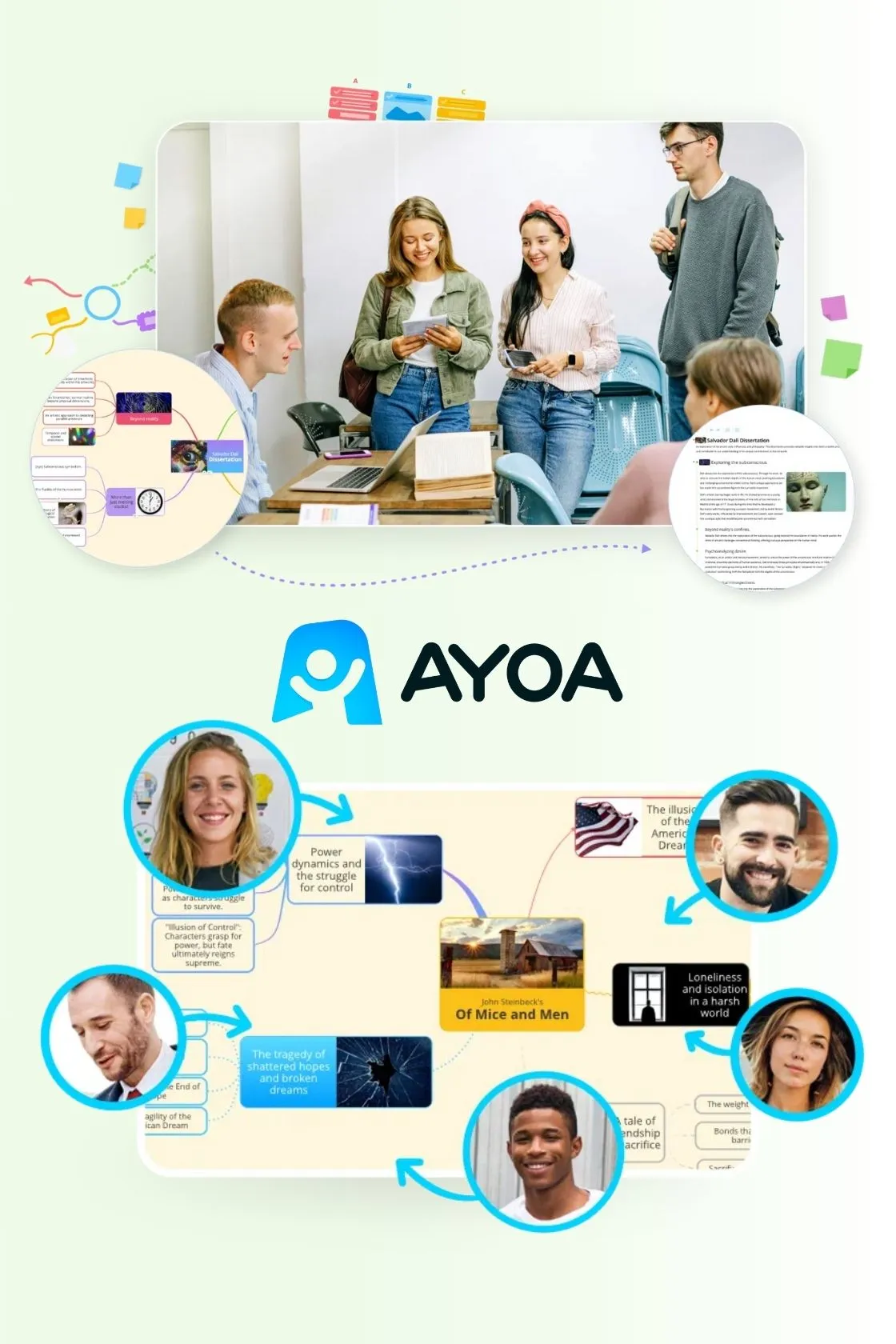
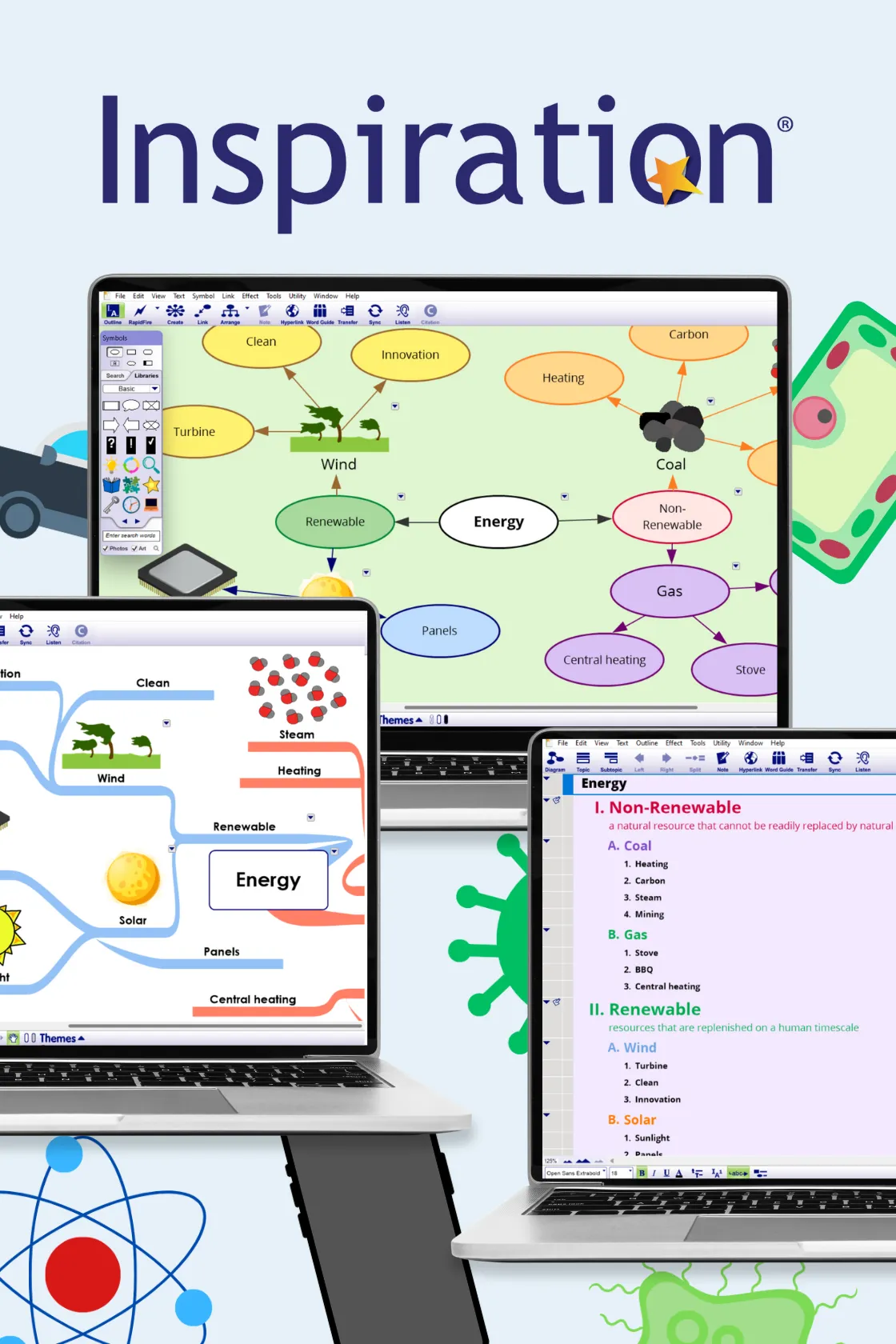
Getting ideas out of your head and into a structured piece of work can be hard, especially when an assignment has several stages. Mind-mapping software lets users organise ideas visually, using connected branches instead of a linear list. Pupils can use it to brainstorm, plan an essay, organise revision topics or map out a project before they start writing.
Tools available through AT Superstore include:
- AYOA: combines visual mind mapping with task management.
- MindMeister: online mind mapping for organising ideas and plans.
- Inspiration 12: supports brainstorming and planning written work.
Compare options in the Mind Mapping category.
Try this: before a pupil writes a full assignment, help them map out the main ideas and link them to the task. If the visual plan makes it easier to get started, build it into their usual approach.
3. Sensory equipment and managing distractions
Some children with ADHD find certain environments hard to work in. Background noise, busy surroundings or other sensory demands can make it harder to feel comfortable and engage with a task.
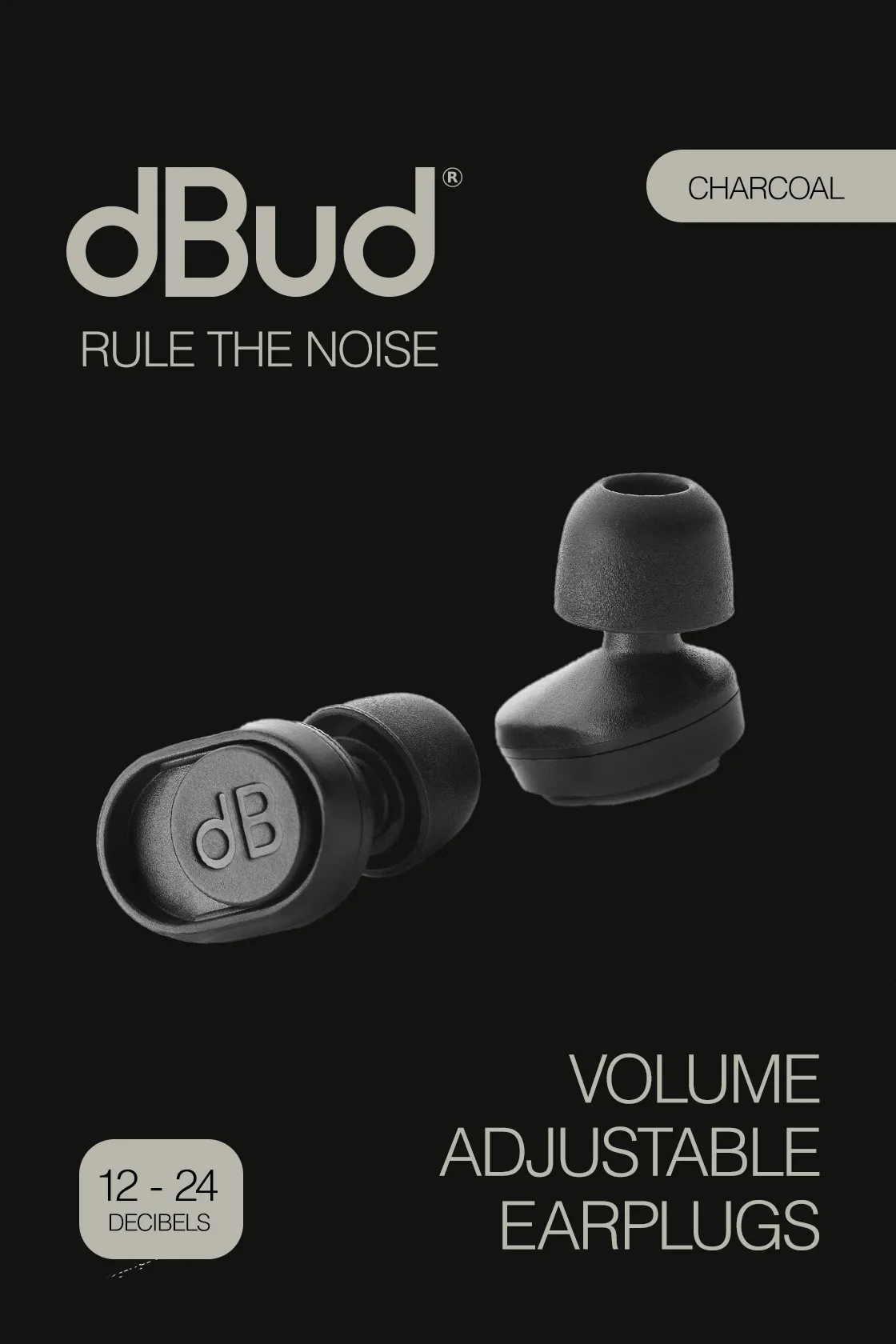
Depending on the child, options include changing where they sit, reducing background noise, creating a quieter workspace or trying suitable sensory equipment. Sensory needs vary: equipment one child finds calming, another may find distracting. AT Superstore's Sensory category includes equipment to support comfort and regulation in different environments.
Try this: notice when and where the child finds the environment most challenging. Talk through possible adjustments with them and their school before investing in equipment.
4. Text-to-speech and speech-to-text tools
Text-to-speech software reads digital text aloud. Speech-to-text tools turn spoken words into written text. They can help when reading long instructions or getting ideas onto the page is the barrier. For example, a pupil might listen to written instructions, or dictate their first ideas before editing.
These tools are most relevant when a child also finds reading or writing difficult.
Try this: pin down exactly where the difficulty happens. Is the pupil struggling to understand the information, read it, remember it or write a response? The answer tells you whether a reading or writing tool is worth exploring.
5. Free built-in accessibility features
Check the free features on the devices a child already uses:
- Microsoft Immersive Reader in Word, Edge, OneNote and Teams reads text aloud and can reduce clutter on the page.
- Voice typing in Google Docs and Dictation in Microsoft Word turn speech into text.
- Select-to-speak on Chromebooks reads selected text aloud.
- Spoken Content, Dictation, Focus and Guided Access on iPad read text aloud, turn speech into text, silence notifications and keep a child in one app.
- Calendar reminders and digital checklists on any device.
These are a low-cost way to test whether a different approach helps. Devices can also bring new distractions, so schools should check their policies on devices, online safety and data privacy.
How should parents and SENCOs choose assistive technology for ADHD?
Start with the difficulty the child is having, not the search for the "best" ADHD tool. These five steps help.
- Identify the barrier. Be specific. Instead of "struggles with organisation", note what actually happens. Do they forget instructions, lose track of deadlines, find it hard to start written work or struggle in a noisy room? The clearer the problem, the easier it is to find a relevant solution.
- Try simple adjustments first. Clear instructions, visible routines, smaller task steps and regular breaks may help without a new product. Assistive technology can then add to these where more support is needed.
- Involve the child. Ask what they find hard and what they think might help. A tool that looks promising to an adult may not suit how the child likes to learn.
- Trial the tool in the right setting. Something that works well at home may be less useful in a busy classroom. Think about the environment, the task, the child's age and how much help they need to use it. Technology also needs to be built into everyday teaching, as we explain in why buying the tech isn't enough.
- Review whether it makes a difference. Is the pupil starting work more independently? Are instructions easier to follow? Can they organise their ideas more effectively? If a tool creates more work, causes frustration or isn't being used, rethink it.
In UK schools, the SENCO (or ALNCo in Wales) coordinates support between teaching staff, families and other professionals.
Can assistive technology be included in an EHCP?
Yes. If a child has an Education, Health and Care plan (EHCP) in England, the support and equipment they need, including assistive technology, can be set out in the plan. In Wales, the same applies to an Individual Development Plan (IDP). Government guidance explains how EHC plans work and the wider SEND support available.
Quick tips for parents
- Keep short notes on when your child struggles most, such as homework, mornings or transitions. Specific examples help the school understand the barrier.
- Ask the school which tools they already use, so home and school can be consistent.
- Try free built-in features at home before buying anything.
- Our guide on how to talk to your child's school is written about dyslexia, but the same steps work for ADHD.
Quick tips for teachers and SENCOs
- Share what works in class with parents, so the same tools and routines are used at home.
- Introduce one tool at a time and set a review date.
- Make visual supports such as timers and checklists available to the whole class, so no child feels singled out.
Where can you find assistive technology for children with ADHD?
The right option depends on what the child needs help with, not on the diagnosis alone. AT Superstore brings together assistive technology for different learning and accessibility needs, grouped by the task or barrier you want to address:
- Organisation, time management or planning: Time and Planning
- Organising ideas: Mind Mapping
- Specific sensory needs: Sensory
You can also use Smart Search to find products by age and support need. You don't need the perfect product straight away. Start with the task the child finds hardest and build from there.
Frequently asked questions about ADHD and assistive technology
What is the best assistive technology for a child with ADHD?
There is no single best product for every child with ADHD. Visual timers, planners, checklists and mind-mapping software are common starting points. Identify the barrier you want to address first, then trial a suitable tool.
What tools can help pupils with ADHD at school?
Useful tools include visual schedules, visual timers, checklists, digital planners, mind-mapping software and the accessibility features built into school devices. Simple classroom adjustments, such as clear instructions and visible routines, also help.
What is a visual timer, and how does it help children with ADHD?
A visual timer shows time passing, usually as a shrinking coloured section or a countdown bar. It helps children with ADHD see how long is left, which can make starting, pacing and finishing a task easier.
Are there free tools to help children with ADHD?
Yes. Microsoft Immersive Reader, Google Docs voice typing, Chromebook Select-to-speak and iPad Focus modes are free on many school devices. Paper checklists and printed visual schedules are also low-cost options.
Do you need an ADHD diagnosis to use assistive technology?
No. Any child can use assistive technology if it helps with a specific difficulty. Support at school shouldn't wait for an assessment or diagnosis.
Can assistive technology be included in an EHCP?
Yes. In England, an Education, Health and Care plan can set out the support and equipment a child needs, including assistive technology. In Wales, this is covered by an Individual Development Plan (IDP).
Can assistive technology help a child with ADHD concentrate?
It can make tasks easier to manage by clarifying instructions, making time visible or reducing distractions. It won't improve concentration for every child, and it works best alongside other support.
Does every child with ADHD need assistive technology?
No. Some children do well with changes to routines, instructions or the classroom alone, while others benefit from particular tools. Support should be based on the individual child.
Looking for practical ways to support a child with ADHD?
Explore AT Superstore's assistive technology for tools that help with organisation, planning, reading and learning. Start with the challenge you want to solve, and find options that suit the child, their environment and the task.
Subscribe to our newsletter
The latest accessibility technology news, articles and resources, sent to your inbox weekly.
Products
AYOA
AYOA is an visual learning platform designed for education and work, combining p...
FROM £120.00 + VAT £144.00 INC VAT
dBud Volume Adjustable Earplugs
dBud Volume Adjustable Earplugs can help reduce or block out excessive noise, ma...
FROM £35.00 + VAT £42.00 INC VAT
Inspiration 12
Inspiration 12 bridges the gap between brainstorming and drafting for students a...
FROM £93.00 + VAT £111.60 INC VAT
MindMeister
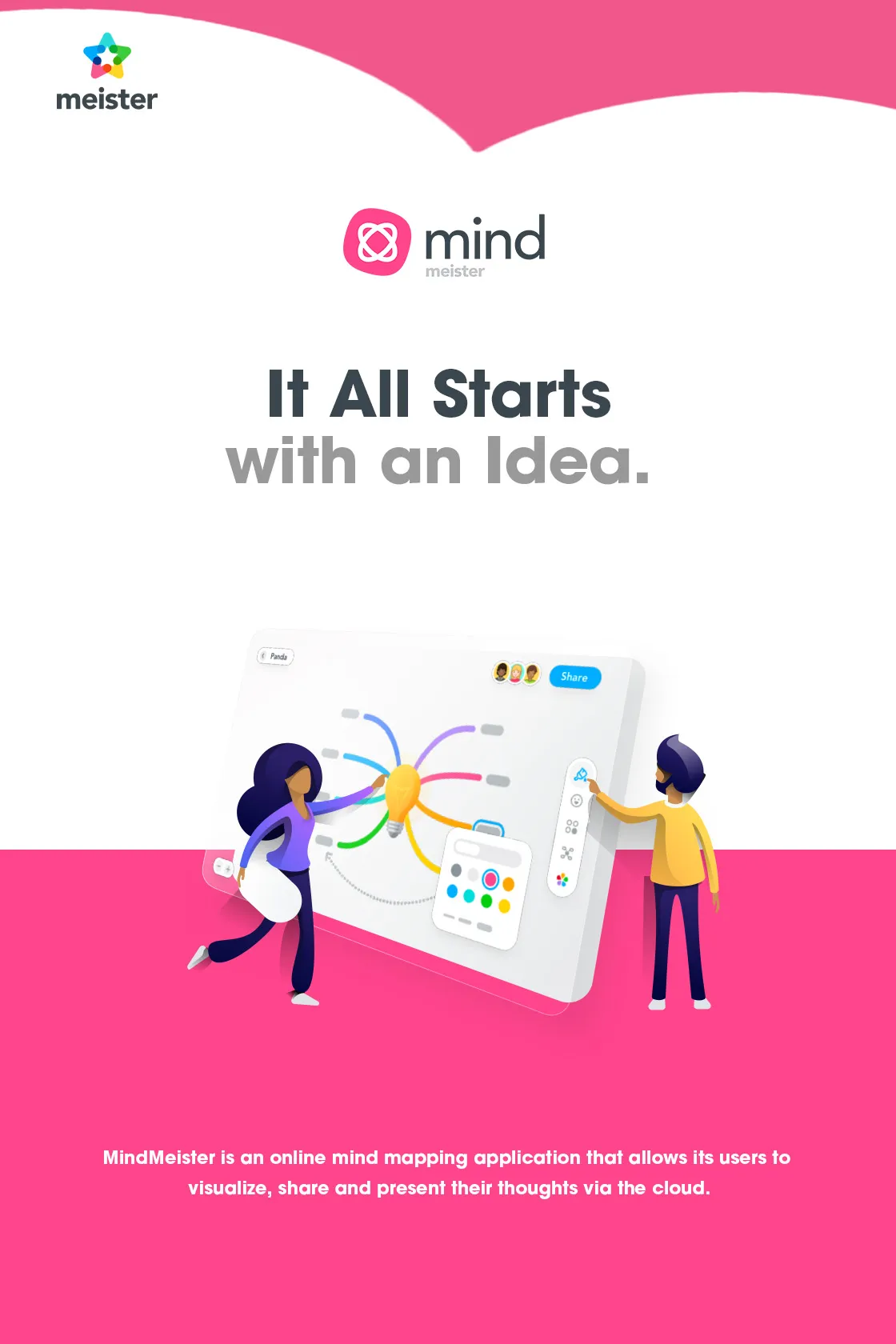
MindMeister is an online mind mapping application that allows users to visualise...
FROM £65.00 + VAT £78.00 INC VAT
Mindview- 3 years ATW license
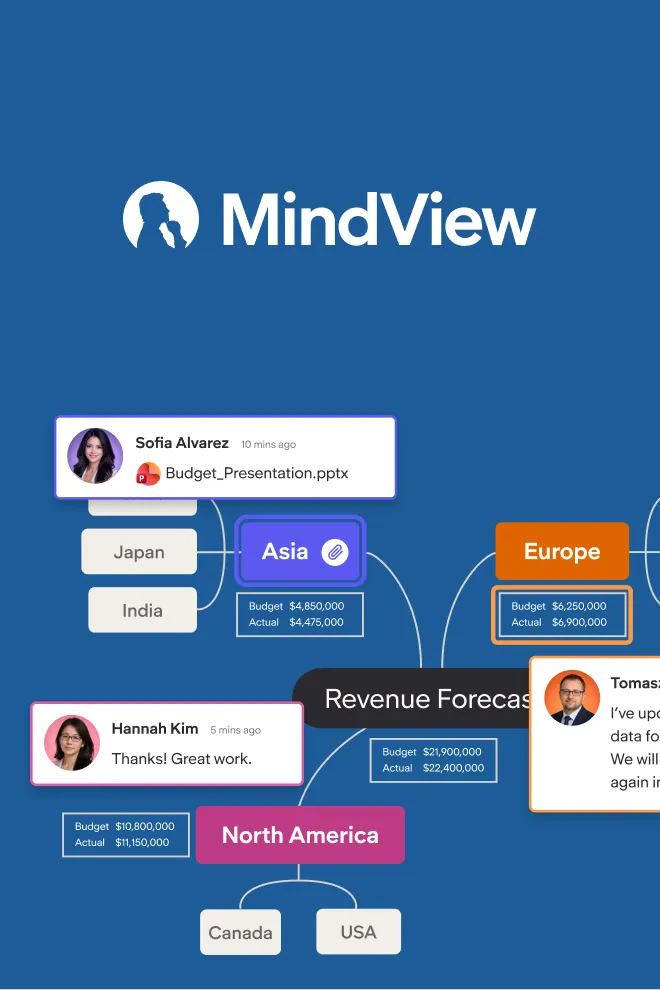
Mind mapping helps people externalize ideas, see relationships, and organize com...
FROM £405.00 + VAT £486.00 INC VAT

Read&Write
Read&Write supports students with reading, writing and understanding across ever...
FROM £250.00 + VAT £300.00 INC VAT